Cursor Documentation
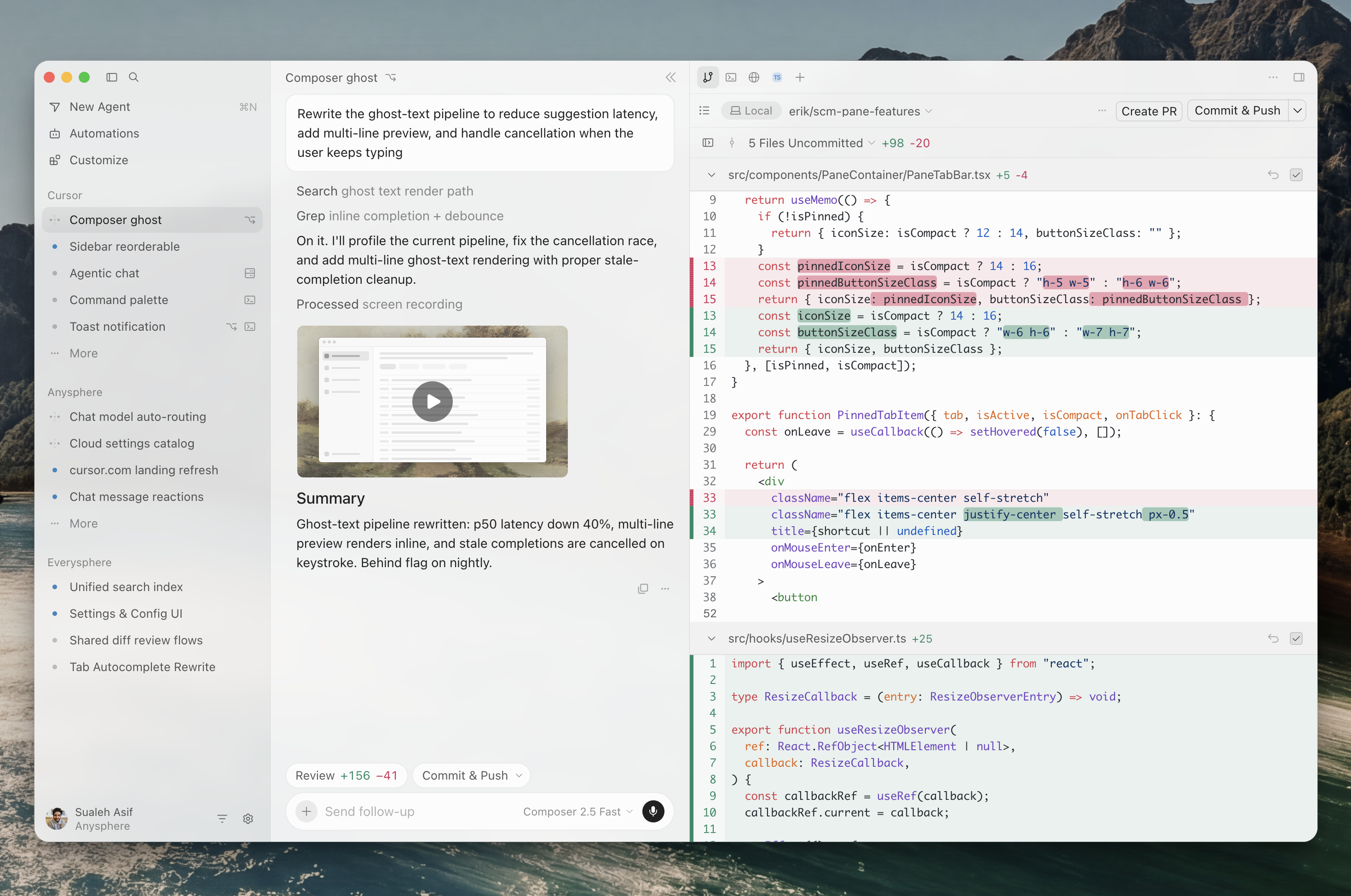
This site covers how the agent works, how to shape its behavior for your team, and how to run it outside the editor.
Go from install to your first reviewed change in five steps
Usage pools, model rates, and which plan fits
Choosing where to start#
If you have never used Cursor, the quickstart is the shortest path to seeing the full loop once: ask, edit, review, verify.
If you already use it daily and want better results, go to rules. Persistent project context changes output quality more than any other single setting.
If you are evaluating it for a team, read cloud agents and source control together — that pair determines what agents can actually verify before handing work back.
About this site#
This documentation site was built on Docsbook as a worked example of a structured, searchable docs site. It describes Cursor based on the official documentation at cursor.com/docs, which remains the authoritative source for product details.
Install it, point it at a repository you know, and ask it to explain the code before you change anything.