
Projects, repositories and teams
Projects#
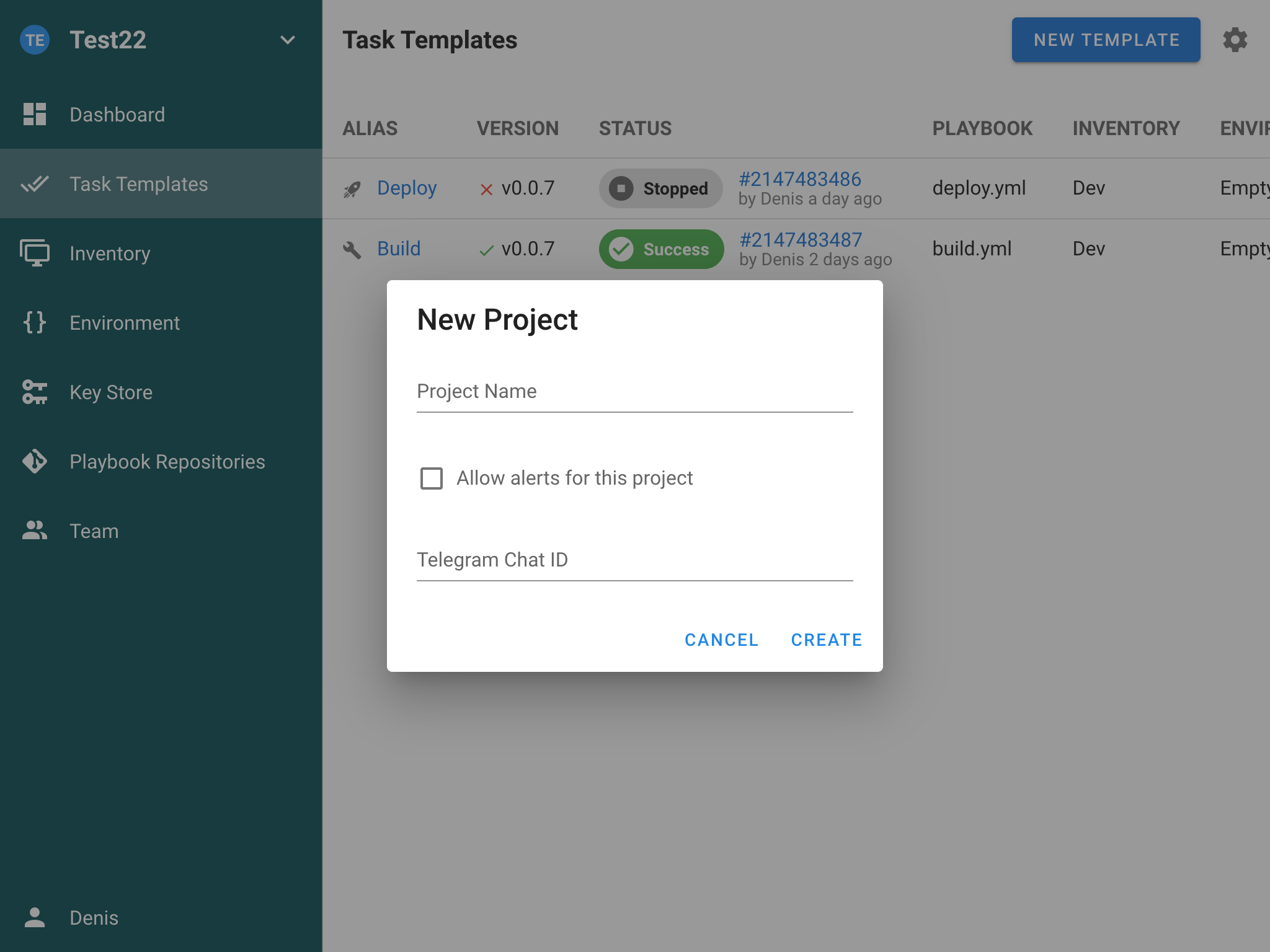
Use a project per boundary you actually care about: per team, per environment (staging vs production), or per application. Splitting further than that mostly creates duplicate keys and inventories.
Each project carries its own:
- History — every task ever run, with author, parameters and full log.
- Activity — who changed what in the project's configuration.
- Settings — the project's name, alert configuration and defaults.
- Runners — project-scoped runners on Pro, for isolated execution.
Repositories#
A repository is where your playbooks, modules and scripts live. Every task template needs one. Semaphore accepts:
- a local filesystem path —
/path/to/the/repo - a local Git repository —
file:// - a remote Git repository over HTTPS or SSH —
https://,ssh:// git://— supported, but not recommended: it is unauthenticated and unencrypted
Add one from Repositories → New Repository: name it, give the URL and branch, and select the Access Key it should authenticate with. For public repositories, create a key of type None.
A repository cannot be deleted while any task template still uses it. Semaphore will tell you which ones.
Ansible requirements files#
On project initialization Semaphore looks for requirements.yml and installs the roles and collections it finds, in this order:
Roles — playbook_dir/roles/requirements.yml, playbook_dir/requirements.yml, repo_path/roles/requirements.yml, repo_path/requirements.yml
Collections — playbook_dir/collections/requirements.yml, playbook_dir/requirements.yml, repo_path/collections/requirements.yml, repo_path/requirements.yml
Each file is processed independently, and every location is attempted regardless of what came before — unless one errors, which stops the process. Note that a requirements.yml sitting in a root directory is processed twice: once for roles, once for collections.
Teams and roles#
Every project is associated with a team. Only its members and instance admins can reach the project, and every member holds exactly one of four built-in roles.
| Role | Can do |
|---|---|
| Owner | Everything, including deleting the project and managing other Owners |
| Manager | Almost everything, except deleting the project or managing Owners |
| Task Runner | Run any template in the project; read-only everywhere else |
| Guest | Read-only across all project resources |
Give at least two people the Owner role. Semaphore refuses to remove the last remaining Owner, but a single Owner who leaves the company is still a problem.
Owners and Managers can invite members and assign roles, with one asymmetry worth remembering: a Manager can manage Task Runners and Guests, but not other Managers or Owners.
Extended RBAC (Enterprise)#
From v2.17, Enterprise adds custom roles on top of the built-in four. Built-in roles are unchanged; custom roles only ever add permissions. If you define none, the project behaves exactly as it does in Community.
Custom roles exist at two scopes:
- Global roles — defined at instance level by an administrator, usable in any project.
- Project roles — defined inside one project, available only there.
And grant permissions at two levels:
| Level | Permissions |
|---|---|
| Project-wide | Run project tasks · Update project · Manage project resources · Manage project users |
| Per template | Chosen on a template's Permissions tab after adding the role to it |
The useful pattern is least privilege: create a role with no project-wide permissions, add it to the two or three templates a person actually needs, and grant only Can run tasks there. That gives a Guest the ability to run one release template without promoting them to Task Runner across the whole project.
Template permissions are additive — they never reduce access a user already has from their built-in role.
Not supported today: mapping LDAP or OIDC groups to custom roles (assignment is per user), and granular per-resource permissions on anything other than task templates.
Frequently asked#
Can an Owner remove another Owner?
Yes — unless they are the last remaining Owner of the project.
Who can delete a project?
Only Owners.
Can Managers add or remove other Managers?
No. A Manager can only add or remove Task Runners and Guests.
Can Guests run tasks?
Not in Community. On Enterprise you can grant a Guest permission to run individual templates through a custom role.
Do custom roles replace built-in roles?
No. Every member still holds exactly one built-in role; custom roles add to it.
Next steps#
- Templates and tasks — what a project actually runs.
- Key Store — the credentials repositories and inventories depend on.
- Authentication — getting people into Semaphore in the first place.