
Build your first workflow
Prerequisites: a running n8n instance — either a free Cloud trial or a local one started with npx n8n. No API keys needed; the API used here is public.
Time: about fifteen minutes.
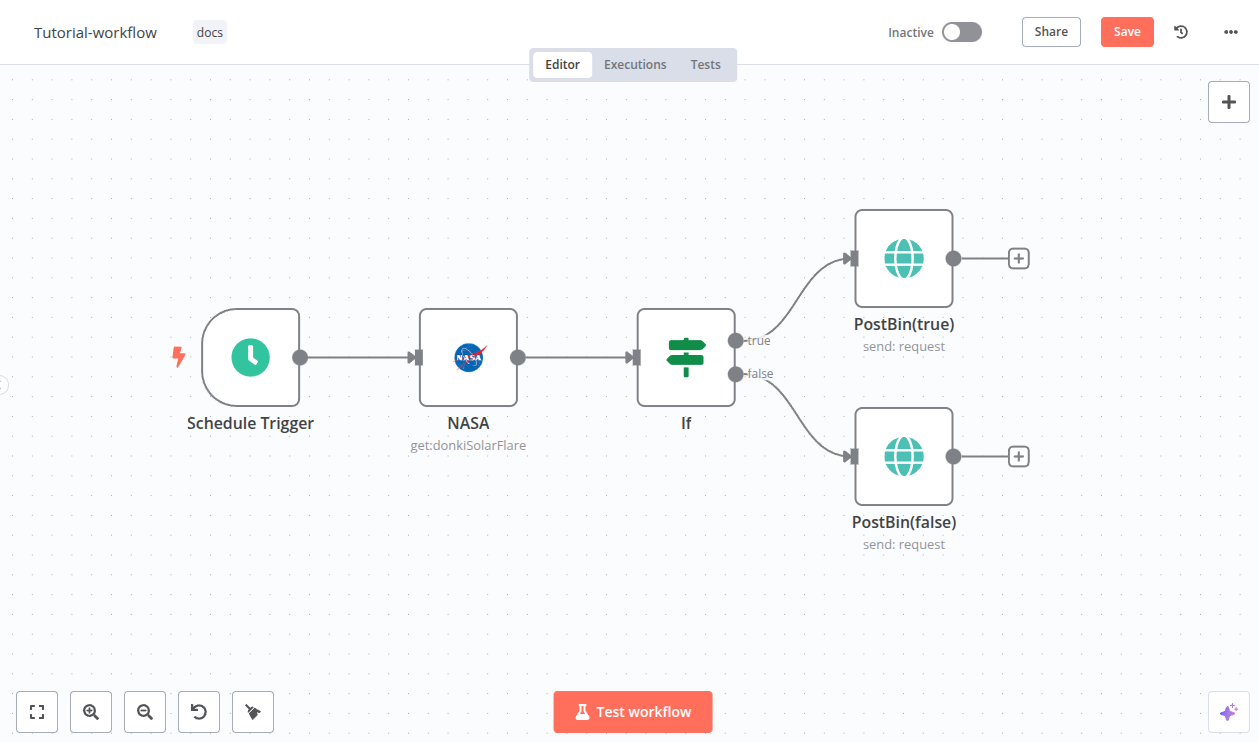
Open n8n. On the Overview page, select Create Workflow. You get an empty canvas with a single Add first step button.
Name the workflow now rather than later — select the title at the top left and call it First workflow. Untitled workflows pile up fast.
Select Add first step, search for Schedule Trigger, and add it.
Set Trigger Interval to Days and Days Between Triggers to 1. The workflow will now run once a day once you activate it.
While you are building, the schedule does not fire. You test with Execute Workflow, which runs the whole thing immediately on demand.
Add an HTTP Request node after the trigger. This is the node you will use more than any other: it talks to any REST API, whether or not n8n ships a dedicated node for that service.
Configure it:
- Method:
GET - URL:
https://api.github.com/repos/n8n-io/n8n
Select Execute step. The output panel fills with the repository's JSON — stargazers, open issues, license, and the rest. That JSON is now one item flowing to the next node.
Add an If node. It splits the flow into a true branch and a false branch, and it is how most real workflows stop doing unnecessary work.
Set the condition:
- Value 1: click the field, switch to expression mode, and enter
{{ $json.stargazers_count }} - Operation:
larger - Value 2:
100000
The expression reaches into the item the HTTP Request node produced. $json always means the current item.
On the true output of the If node, add an Edit Fields (Set) node. Use it to build a clean payload instead of passing the entire API response downstream.
Add one field:
- Name:
summary - Type: String
- Value:
{{ $json.full_name }} has {{ $json.stargazers_count }} stars and {{ $json.open_issues_count }} open issues
Select Execute Workflow. Every node turns green and the Set node outputs a single readable sentence.
Toggle Active at the top right. From now on the schedule trigger fires once a day without the editor being open.
Each run appears under Executions, with the data that passed through every node. That log is where you go first when something misbehaves.
What you just learned#
- A trigger decides when; every node after it decides what.
$jsonis the current item, and expressions reach it anywhere a field accepts one.- The If node prevents work rather than just decorating the canvas.
- Executions are inspectable after the fact, which is most of debugging in n8n.
Where this breaks in production#
The workflow above has no error handling. If GitHub returns a 500, the run fails silently unless you go looking. Before shipping anything real, read Handle errors — it takes five minutes and saves the incident.
Running workflows on a schedule needs an instance that stays up. The free trial has no credit card requirement.
Next steps#
- Add branching, loops, and waits: Flow logic
- Reshape data between nodes: Work with data
- Put a model in the loop: AI agents and chains