
REST API
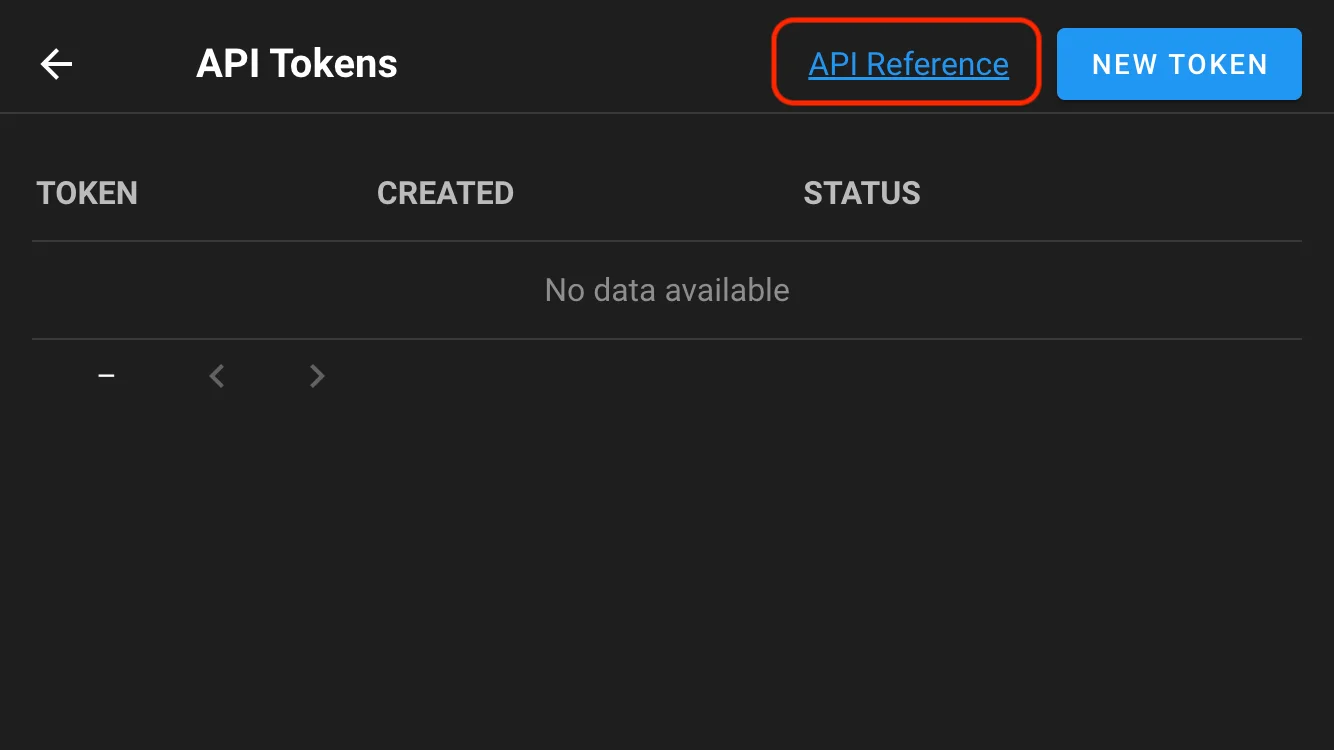
API reference#
Three ways to explore the surface:
- Swagger / OpenAPI — interactive, in the browser.
- Official Postman collection — every endpoint, ready to send.
- Built-in Swagger UI — served by your own instance, so it always matches the version you are running.
Authentication#
Every request carries a bearer token:

Authorization: Bearer YOUR_API_TOKENCreating a token in the web UI (2.14+)#
Create and manage tokens from your user settings in the Semaphore interface. This is the route to use for a token belonging to a person.
Creating a token over HTTP#
For scripted provisioning. First authenticate and keep the session cookie — note that a backslash in a password must be escaped, slashy\\pass for slashy\pass:
curl -v -c /tmp/semaphore-cookie -XPOST \
  -H 'Content-Type: application/json' \
  -H 'Accept: application/json' \
  -d '{"auth": "YOUR_LOGIN", "password": "YOUR_PASSWORD"}' \
  http://localhost:3000/api/auth/login
Then create the token with that cookie:
curl -v -b /tmp/semaphore-cookie -XPOST \
  -H 'Content-Type: application/json' \
  -H 'Accept: application/json' \
  http://localhost:3000/api/user/tokens
The response contains the token itself:
{
  "id": "YOUR_ACCESS_TOKEN",
  "created": "2025-05-21T02:35:12Z",
  "expired": false,
  "user_id": 3
}
A token inherits the permissions of the user who created it. For automation, create a dedicated service user with the lowest role that works — often Task Runner — rather than issuing a token from an Owner account.
Launching a task#
The endpoint most integrations need:
curl -v -XPOST \
  -H 'Content-Type: application/json' \
  -H 'Accept: application/json' \
  -H 'Authorization: Bearer YOUR_ACCESS_TOKEN' \
  -d '{"template_id": 1}' \
  http://localhost:3000/api/project/1/tasks
The response contains the task ID, which you can poll for status and logs.
To pass parameters — a branch, a
--limit, extra variables — the matching prompt must be enabled on the template. Without it, the value is accepted and ignored. Enabling a prompt does not make an API run interactive. See Templates and tasks.
Revoking a token#
Expire a token you no longer need:
curl -v -XDELETE \
  -H 'Content-Type: application/json' \
  -H 'Accept: application/json' \
  -H 'Authorization: Bearer YOUR_ACCESS_TOKEN' \
  http://localhost:3000/api/user/tokens/YOUR_ACCESS_TOKEN
Token creation and deletion are recorded in the audit trail — only the short prefix, never the secret. See Logs and metrics.
Audit events#
GET /api/events returns the security audit trail, which is the pull-based route into a SIEM.
Metrics#
GET /api/metrics exposes Prometheus metrics. It uses HTTP Basic Auth with a static service credential rather than a bearer token, and is disabled by default. See Logs and metrics.
API or webhook?#
Both trigger templates; they suit different callers.
| Use | When |
|---|---|
| API | You control the caller and can hold a token — scripts, another system, a CLI |
| Webhook integration | The caller is a third party that posts a payload it defines — GitHub, GitLab, an alerting tool |
Next steps#
- Webhook integrations — triggering from Git and other services
- Pipelines — build and deploy tasks
- Projects and teams — scoping a service account