
Webhook integrations
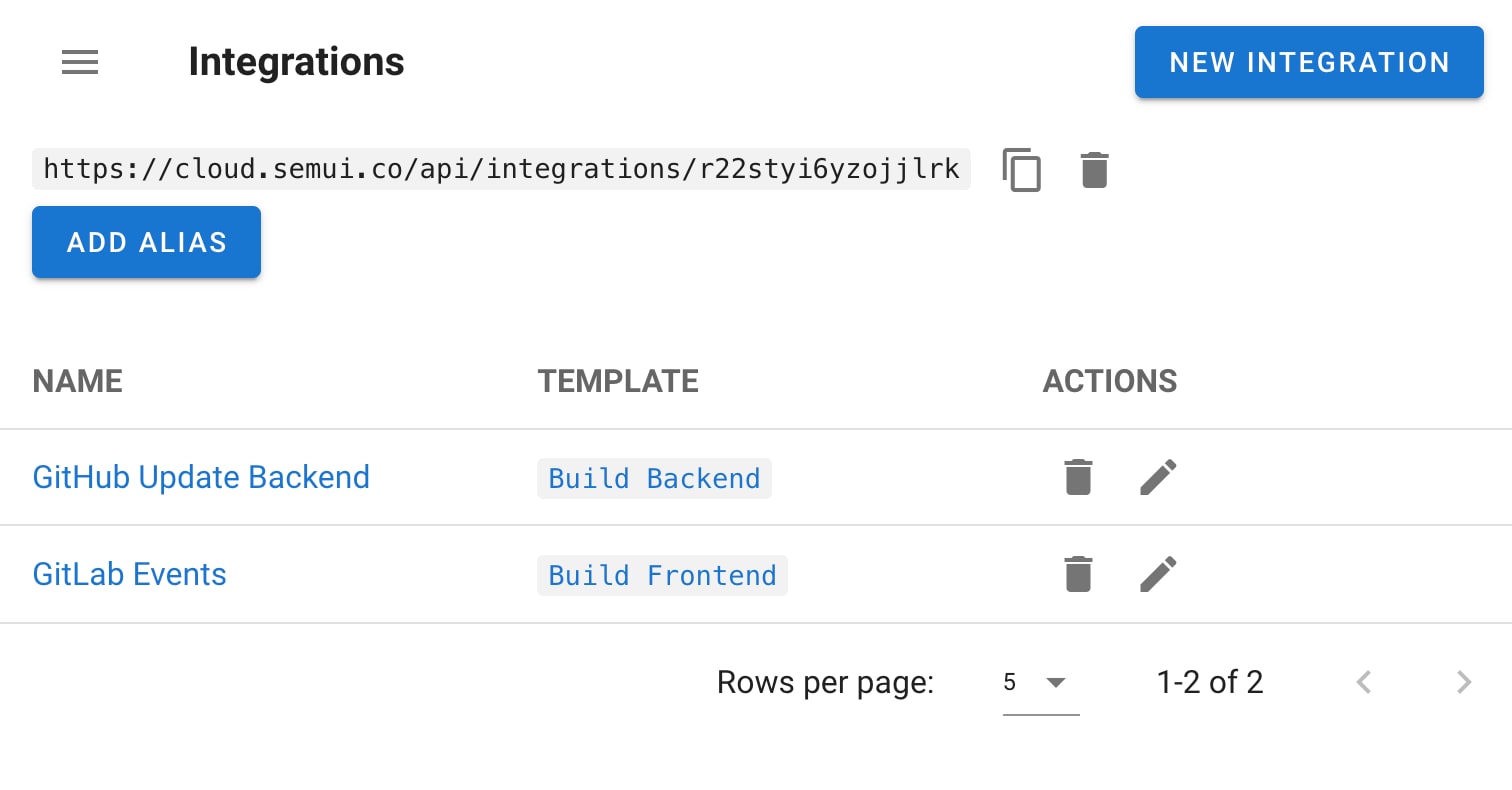
The endpoint#
Each integration exposes an alias:
/api/integrations/<random_string>
Both GET and POST are supported.
Authentication#
Choose one when creating the integration:
| Method | Use it when |
|---|---|
| GitHub Webhooks | The caller is GitHub — Semaphore validates GitHub's own signature |
| Token | The caller can send a shared secret |
| HMAC | The caller signs the body with a shared key — the strongest generic option |
| None | Never, on anything reachable from the internet |
An unauthenticated endpoint that starts automation is an unauthenticated way to run code on your infrastructure. Prefer HMAC or GitHub signature validation.
Matchers#
A matcher defines conditions on the incoming request. The template fires only when they are satisfied.
This is how one endpoint serves many events without running on all of them — for example, only when the push targets refs/heads/main, or only when a specific label was added. Without matchers, every delivery starts a task.
Matchers do not apply to integrations configured with an alias endpoint. There, use token or HMAC authentication and pass what you need through extractors.
Value extractors#
An extractor pulls data out of the incoming request and passes it into the task as environment variables — the commit SHA, the branch, the tag, the author, the alert name.
For an extracted value to actually reach the run, a variable group must define a matching key. The extractor names the variable; the variable group declares it. Mismatched names are the usual reason an extractor "does nothing".
Task parameters#
Integrations can start tasks with parameters, not just start them. Use extractors to build the parameter payload, and enable the corresponding prompts on the template so the values are accepted. See Templates and tasks.
A worked pattern: deploy on push to main#
- Create a deploy template that reads the branch from a variable.
- Enable the prompt for that variable.
- Create an integration on the template with GitHub Webhooks authentication.
- Add a matcher on
refequal torefs/heads/main. - Add extractors for the branch and the commit SHA, and declare both keys in the template's variable group.
- In the GitHub repository, add a webhook pointing at the alias URL, sending push events.
Every push to main now runs the template with the commit it should deploy — and every run is in Semaphore's history, with the payload that caused it.
Next steps#
- REST API — when you control the caller
- Pipelines — chaining build and deploy
- Inventory and variables — declaring the keys extractors write to