
Documentation that gets your product found, quoted and measured
Publish the Markdown you already have to a site search engines index and AI assistants cite. Then hand your agent a goal and read, on a date, the number it moved.
One prompt into Claude Code, Cursor or Codex: the agent connects the server, writes a Docsbook rule into its memory file and takes a first project live.
claude mcp add --transport http docsbook https://docsbook.io/api/mcp/serverCodex, Cursor, Windsurf, Cline and any other MCP client use the same endpoint.
- 5 min
- from a repository to a public URL
- 167
- MCP tools your docs agent can use
- 15
- languages, each indexed on its own
- $0
- for hosting, search, analytics and a custom domain
Start here#
Four doors. Each one is a page you can finish in one sitting.
What teams hire it for#
Every goal comes with the reading it is judged by — a number, not an impression.
How the loop runs#
You name the outcome. Docsbook researches what is there, proposes the change, writes the expected number down before the work, and reads it on the date.
- 1Goal
One sentence from you: the outcome you want, not a brief or a backlog.
- 2Research
What your product does, who ranks for it, what assistants answer, and what your readers searched for and did not find.
- 3Experiment
A change committed to your repository as a pull request, with the number it is expected to hit and the date it is read on.
- 4Verdict
On the date, the reading is taken. Confirmed or rejected, and a rejection is kept so the next bet does not repeat it.
Documentation running on Docsbook#
Live sites, public and readable without signing in.
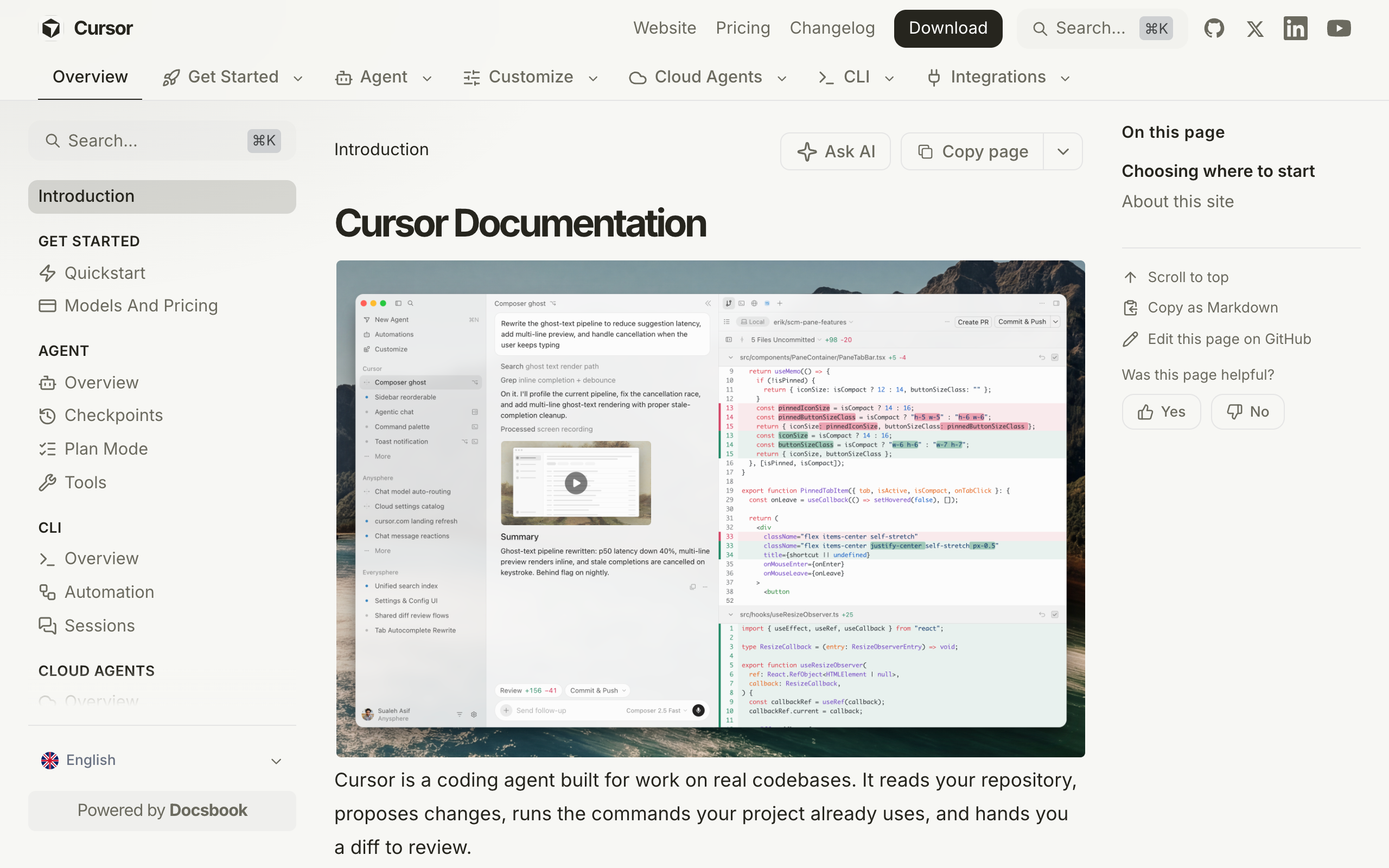
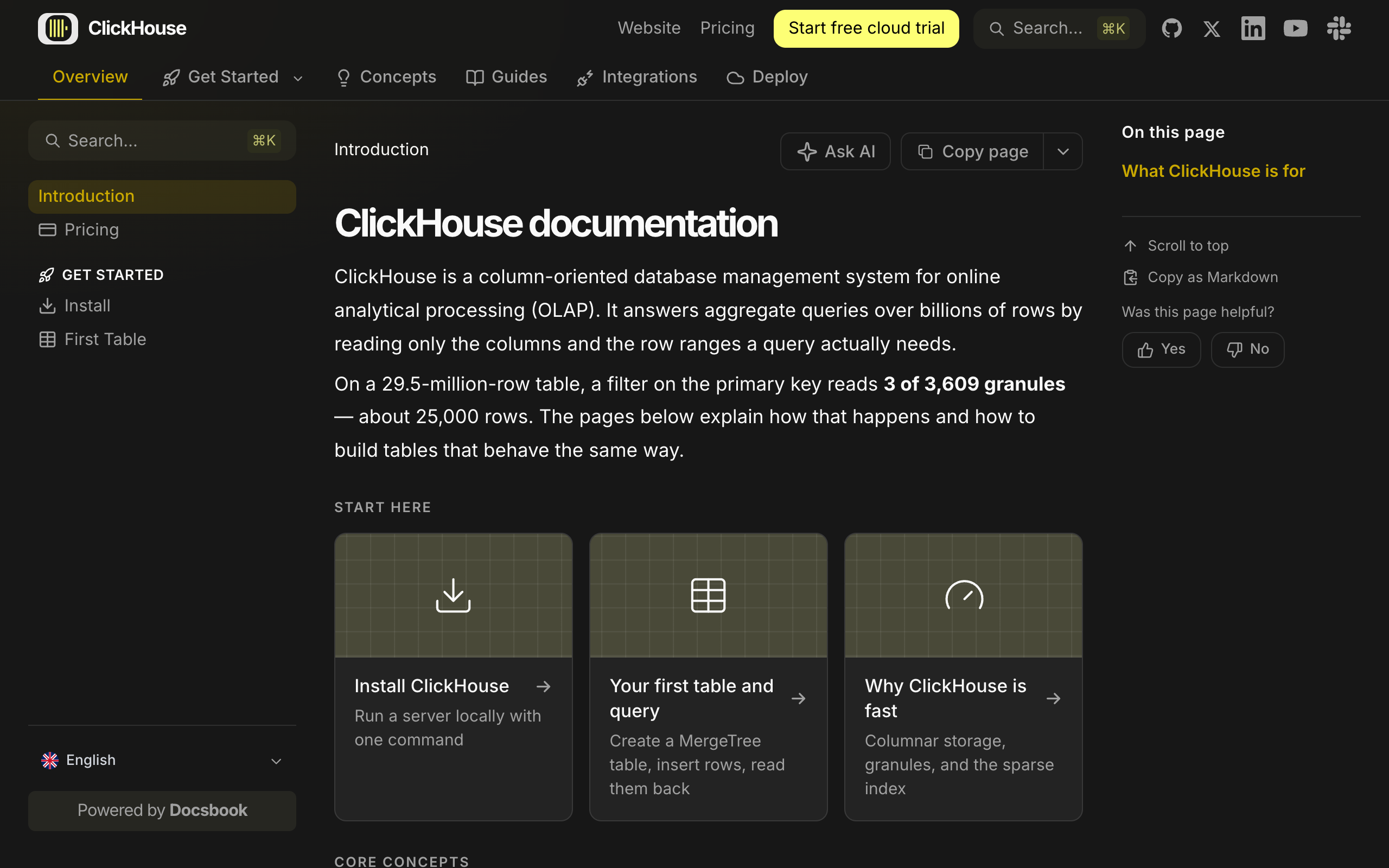
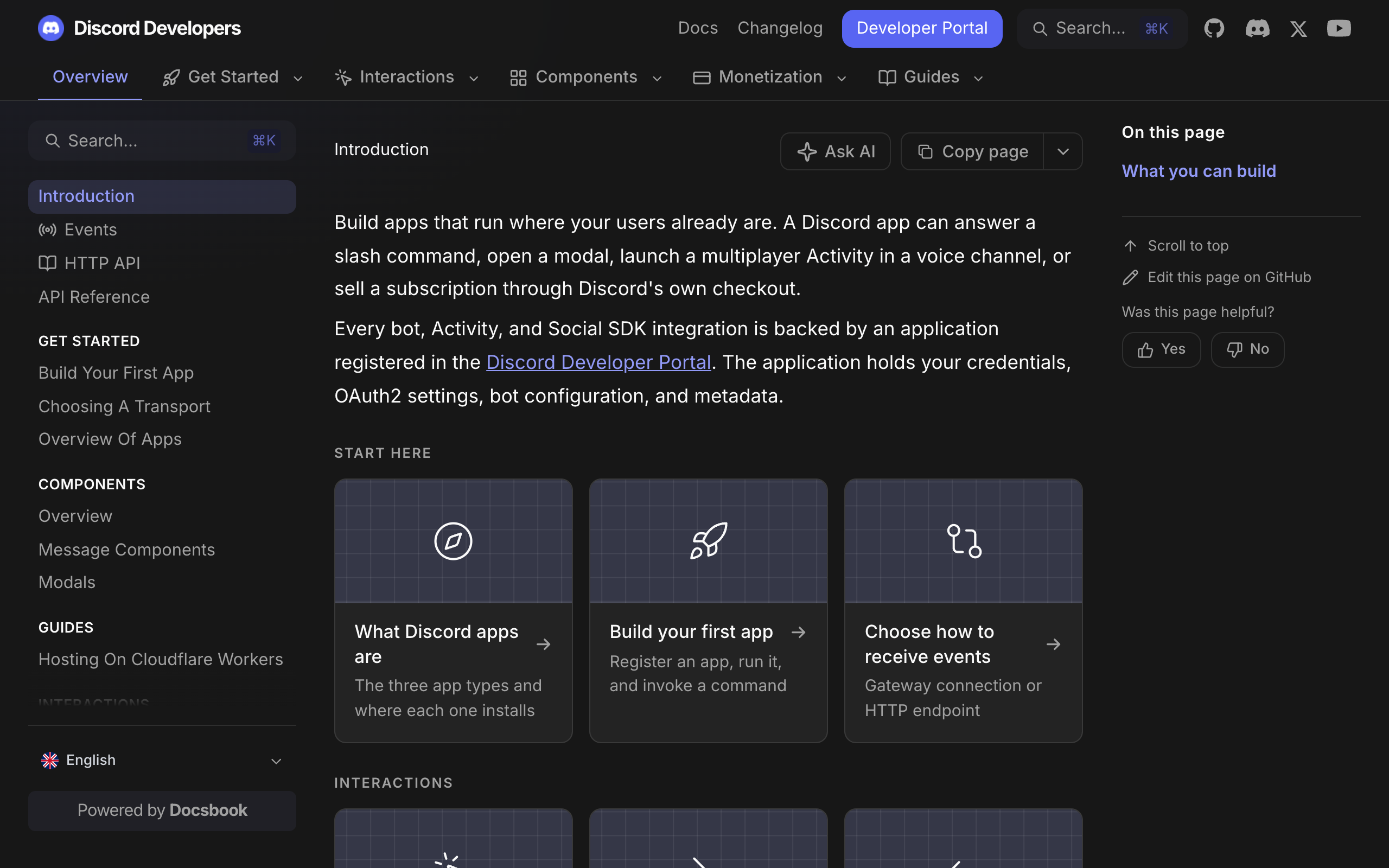
See every site in the showcase →
Explore the documentation#
Source to public URL
Sources, indexing, GitHub link
One CNAME, SSL automatic
Shared password or your own SSO
15 languages, indexed separately
Name, colour, fonts, layout
Connect the agent you already use
Every tool and its price class
SKILL.md files any agent can load
The graph an agent navigates
Auth model and token scopes
Answers for readers, grounded in your pages
Ask one question and you get a researched answer about your own market, whether or not you run anything it suggests. Questions: support@docsbook.io or the Docsbook Discord.