
Trips
Creating a trip#
Click New trip and fill in:
- Name — a label for the trip (e.g. "Japan 2024")
- Start date / End date — the date range to include
- Notes — rich text field (supports formatting via the Trix editor)
Click Create to save. Dawarich automatically pulls in all points recorded within the date range.
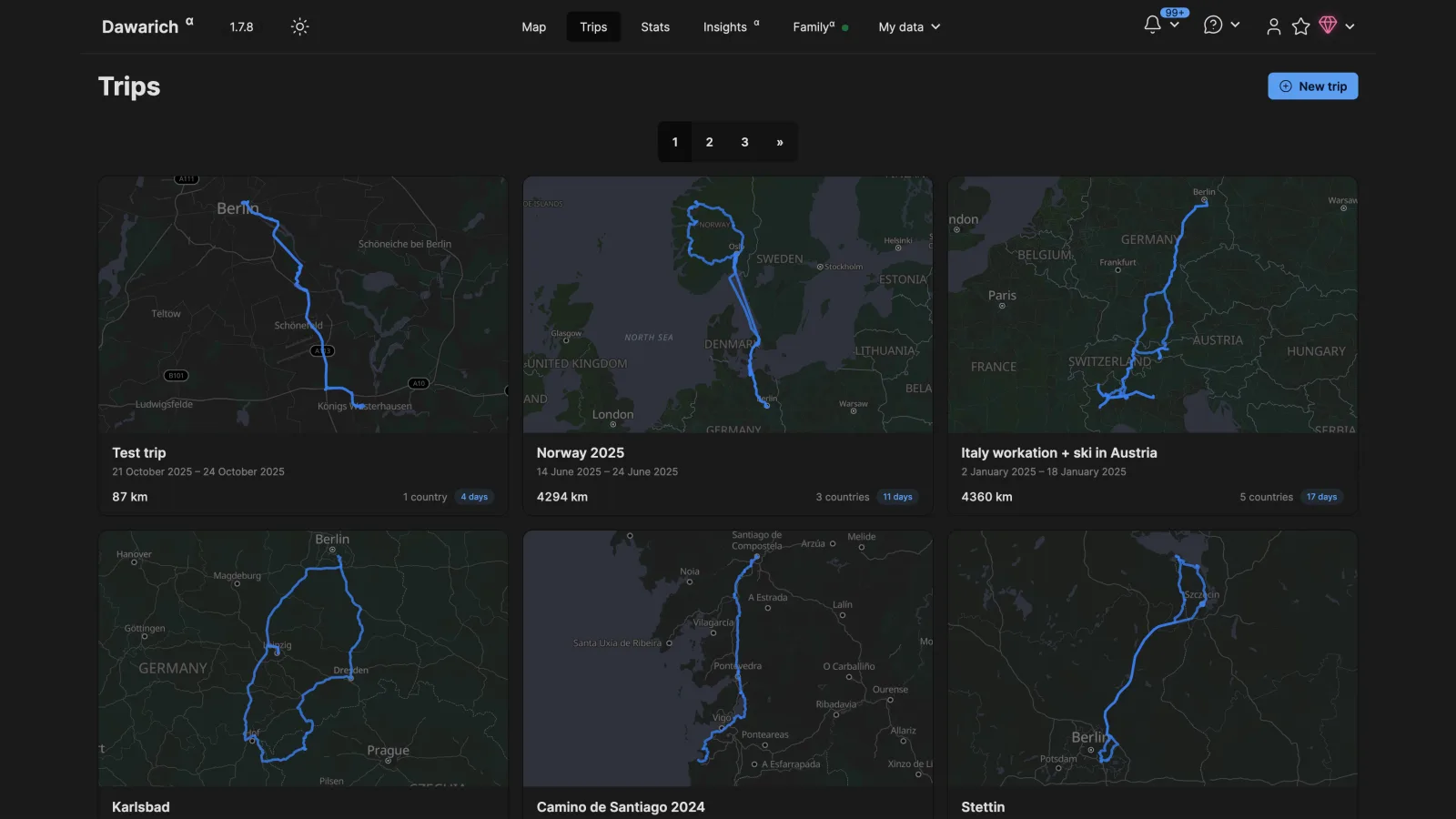
Trips list#
The trips list shows all your saved trips in one place.
Trip detail page#
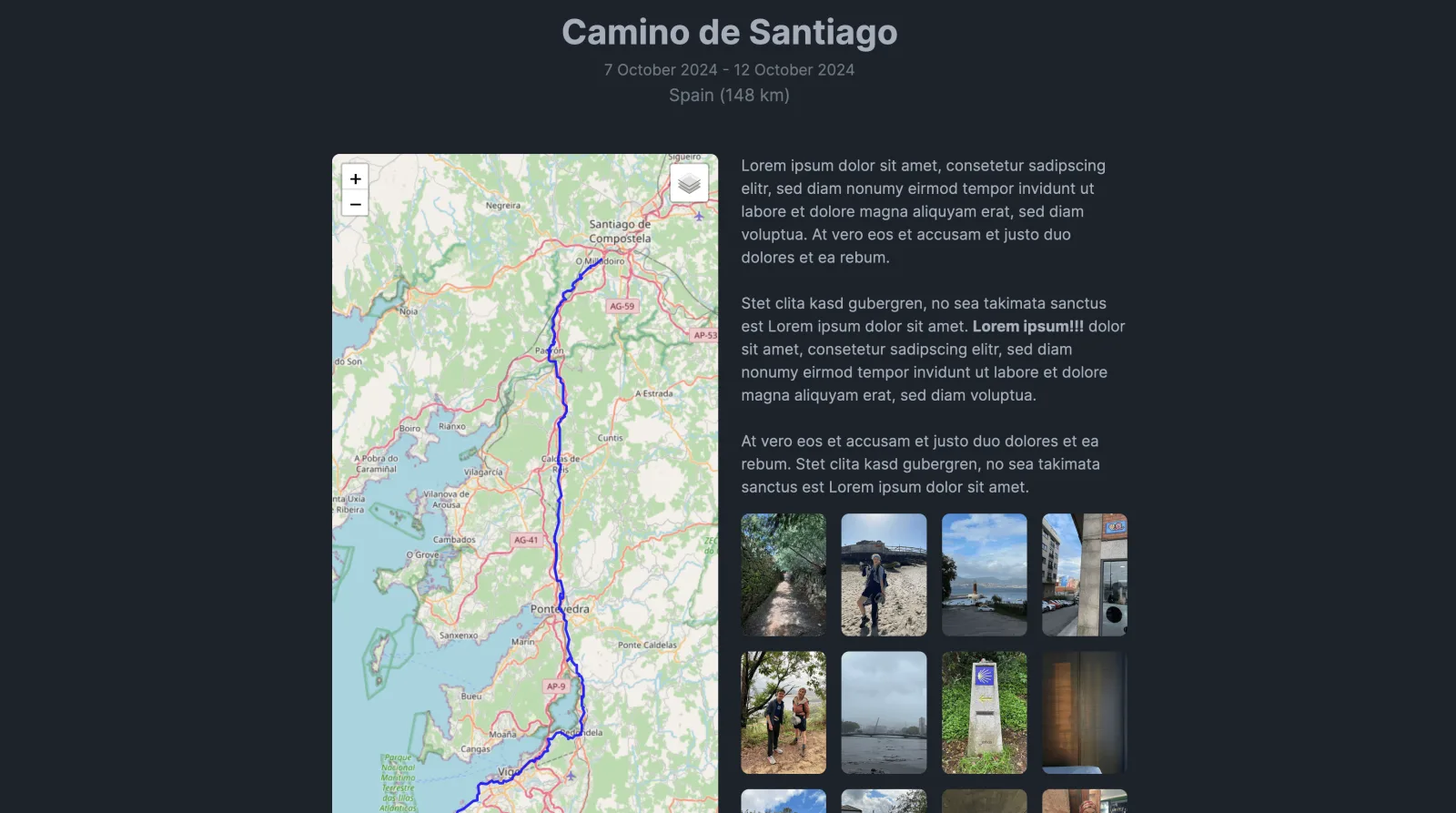
Clicking a trip opens the detail view, which includes:
- Date range — start and end dates for the trip
- Countries visited — a breakdown of which countries you traveled through with distance covered in each
- Interactive map — your route plotted on a map for the trip's date range
- Notes — your formatted notes for the trip
- Photos — thumbnail previews pulled from connected photo services (Immich or PhotoPrism), with a link to view the full set
Editing a trip#
Open a trip and click Edit to change the name, dates, or notes. The map updates live as you adjust the date range so you can preview which route will be included.
Deleting a trip#
Open a trip and click Delete. You'll be asked to confirm before the trip is removed. Deleting a trip does not delete your underlying location points.