
You need a Discord account, a server where you have the Manage Server permission, and Node.js 18 or later if you follow the JavaScript examples.
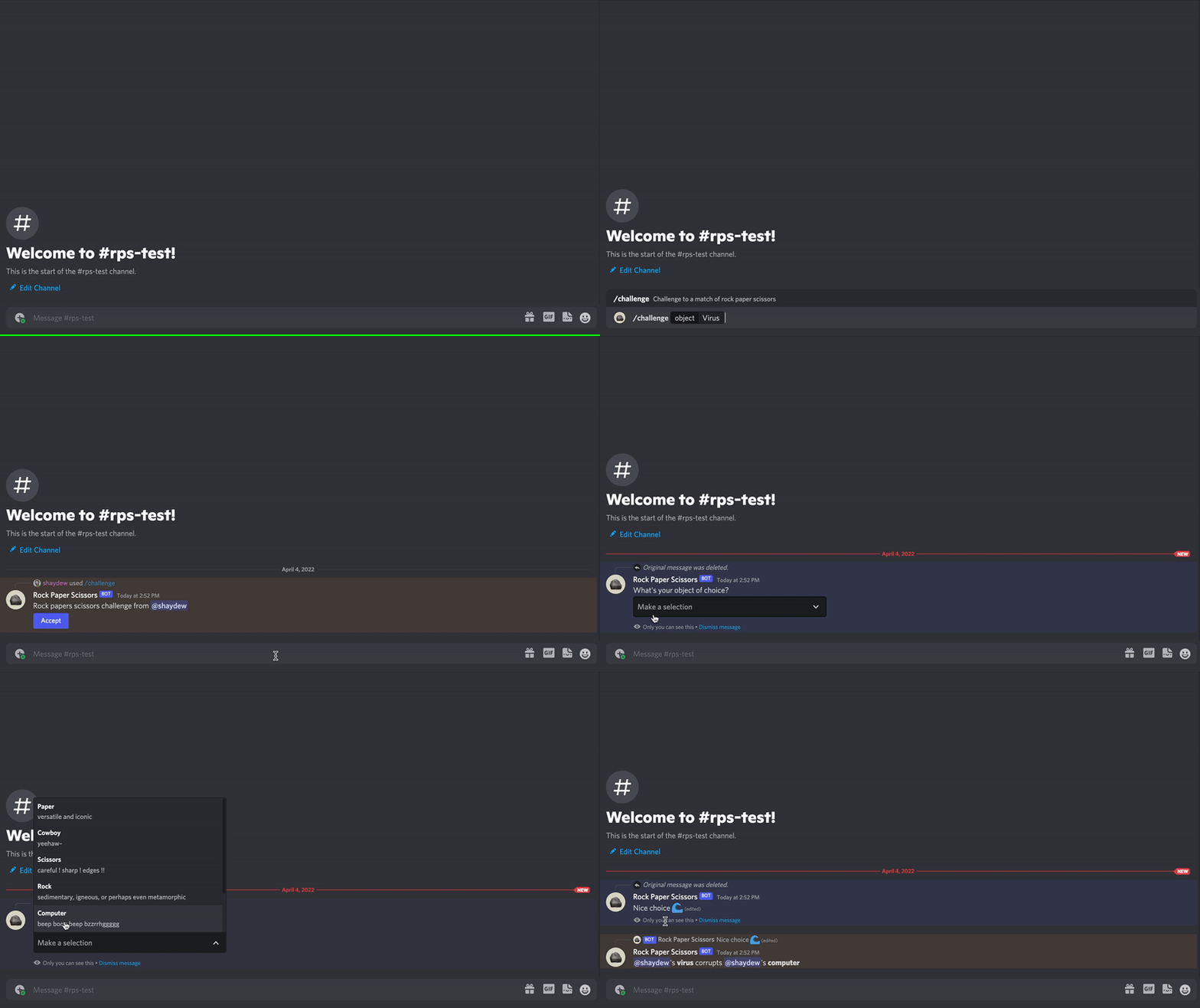
Open the Developer Portal and create an application. The application is the container for your bot user, OAuth2 settings, and credentials.
From the application's settings, note three values:
- Application ID — the public identifier of your app
- Public key — used to verify interaction signatures
- Bot token — the secret your app authenticates with
Treat the bot token like a password. Store it in an environment variable, never in source control. If it leaks, reset it in the portal.
export DISCORD_TOKEN=YOUR_BOT_TOKEN
export APP_ID=YOUR_APPLICATION_IDUse the OAuth2 URL generator in the portal to build an install link. Select the applications.commands and bot scopes, then choose the permissions your app needs. Open the generated URL and pick your test server.
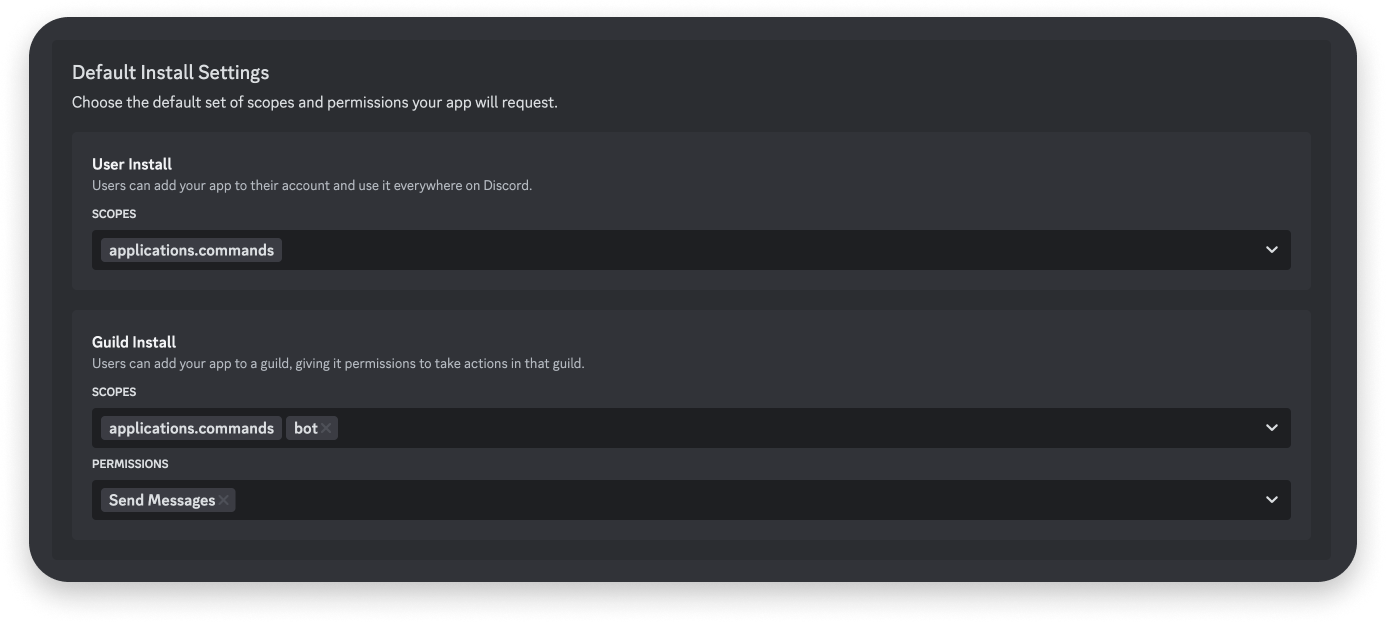
Request only the permissions your app uses. Server admins see this list before they approve the install, and a long list costs you installs.
Commands are registered against the API, not declared in your source. A global command is available everywhere your app is installed; a guild command appears in one server and updates instantly, which makes it the better choice while developing.
curl -X POST \
  "https://discord.com/api/v10/applications/$APP_ID/guilds/$GUILD_ID/commands" \
  -H "Authorization: Bot $DISCORD_TOKEN" \
  -H "Content-Type: application/json" \
-d '{"name": "hello", "type": 1, "description": "Say hello"}'When someone runs /hello, Discord sends your app an interaction. Reply within three seconds with a callback type of 4 to post a message in the channel.
{
  "type": 4,
  "data": { "content": "Hello from my first app" }
}
Details of every callback type are in receiving and responding.
Start your app, open your test server, type / in the message box, and pick your command. Your reply appears in the channel.
Where your app receives the interaction#
By default your app receives interactions over a Gateway connection. To receive them over HTTP instead, add an Interactions Endpoint URL in your app's settings.
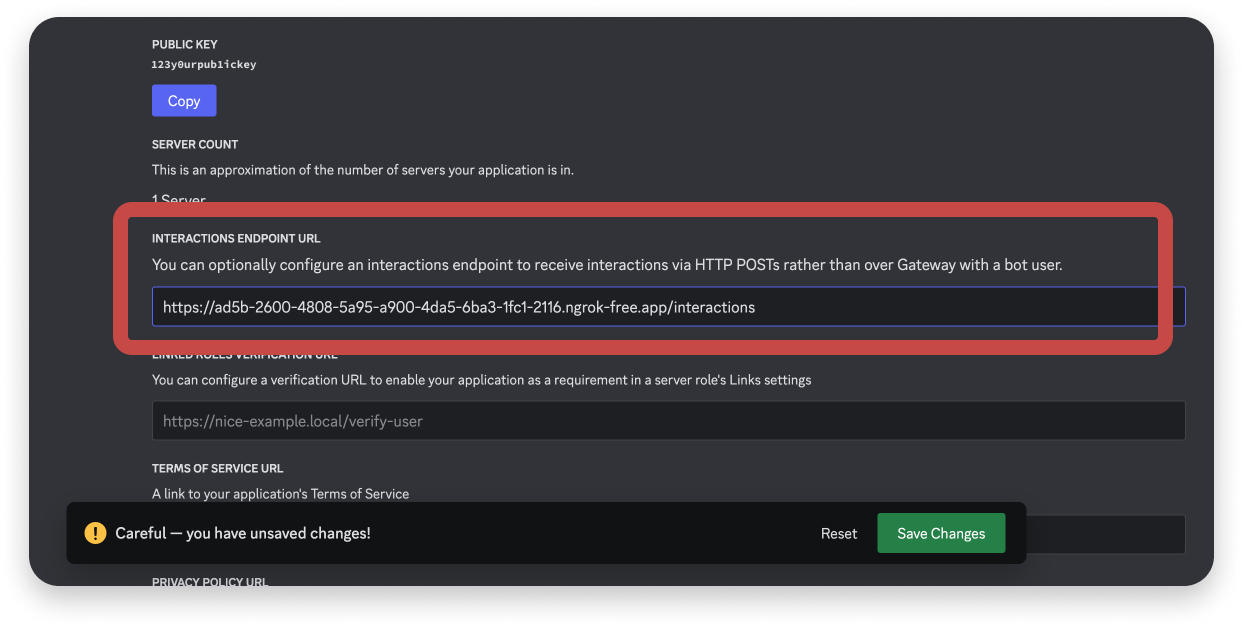
Discord validates that URL before it saves it, and validation fails unless your endpoint acknowledges PING requests and verifies request signatures. Both steps are covered in securing your endpoint.
Next steps#
- Choose how to receive events — Gateway or HTTP
- Application commands — command types, options, and subcommands
- Deploy on Cloudflare Workers — host the HTTP version with no server to run