
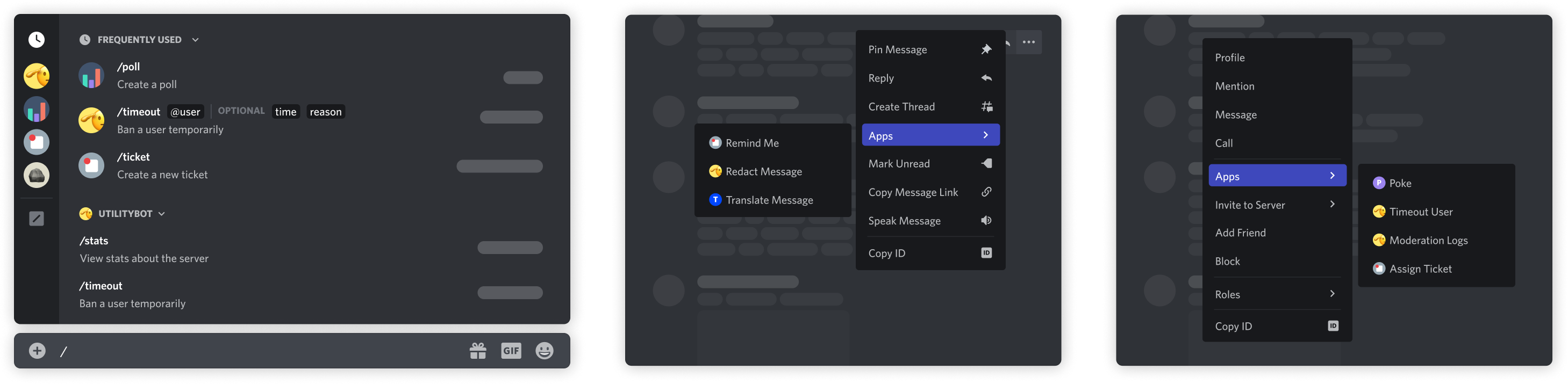
The four command types#
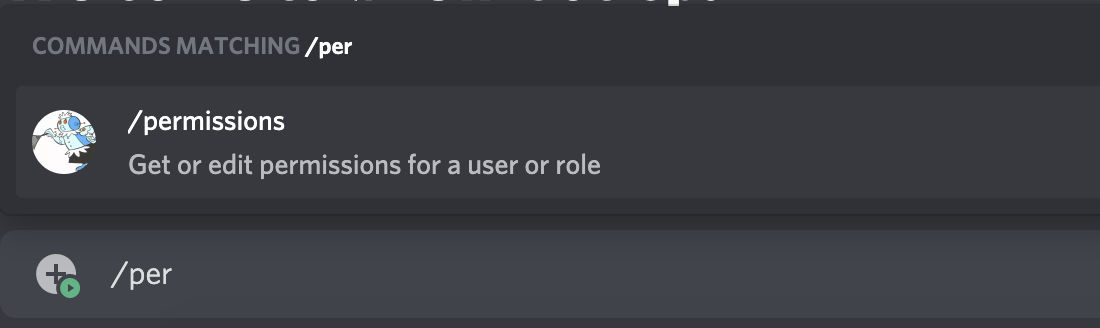
Slash commands — typed in the chat input
The most common type. Users reach them by typing / or opening the command picker. A slash command carries a name, a description, and optional typed parameters.
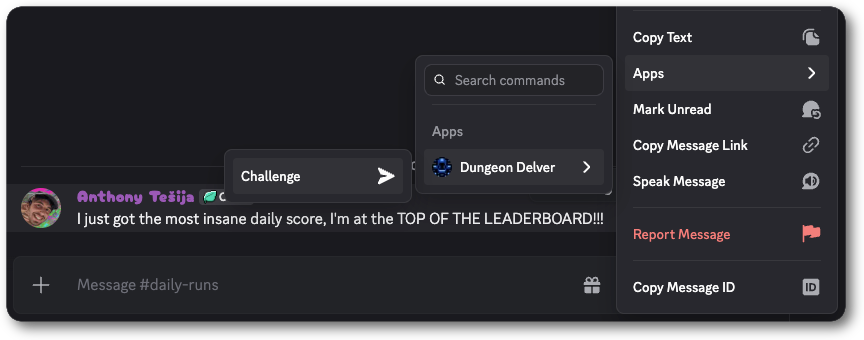
Message commands — act on a message
Reached through the context menu at the top-right of a message, or by right-clicking it, under Apps. Your app receives the target message with the interaction, so the command needs no parameters.
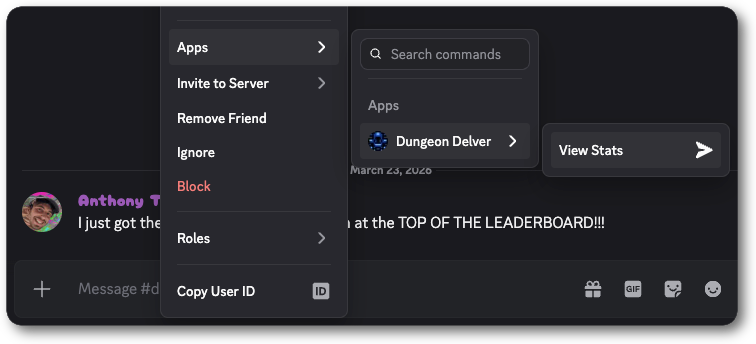
User commands — act on a person
Reached by right-clicking a user profile, under Apps. Your app receives the target user with the interaction.
Entry Point commands — launch an Activity
The primary way users launch an Activity from the App Launcher. Available to apps that have Activities enabled.
Global and guild commands#
A command is registered either globally or against a single server.
| Scope | Where it appears | Best for |
|---|---|---|
| Global | Everywhere your app is installed | Production commands |
| Guild | One server | Development and testing, because updates apply immediately |
Register a guild command while you iterate, then promote it to a global command when the shape settles.
curl -X POST \
  "https://discord.com/api/v10/applications/$APP_ID/guilds/$GUILD_ID/commands" \
  -H "Authorization: Bot $DISCORD_TOKEN" \
  -H "Content-Type: application/json" \
  -d '{"name": "hello", "type": 1, "description": "Say hello"}'
Options, subcommands, and groups#
Slash commands accept typed options. Discord validates the type in the client before the interaction reaches your app, so a user cannot submit a string where you asked for an integer.
When a command grows past a handful of options, split it with subcommands, and group subcommands when even that gets long.
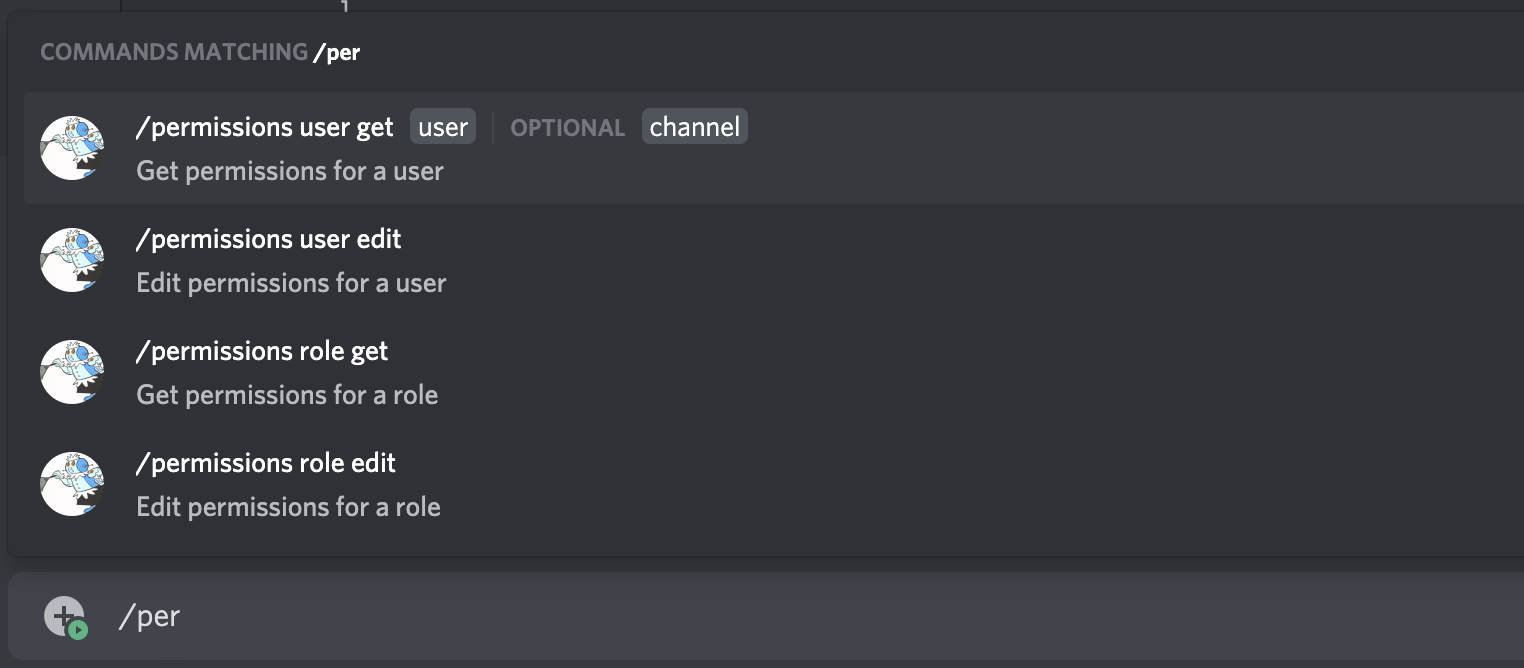
Autocomplete is a separate interaction type. When a user is still typing an option value, your app receives an APPLICATION_COMMAND_AUTOCOMPLETE interaction and answers with suggested choices rather than a message. See receiving and responding.
Next steps#
- Receiving and responding — handle the interaction your command produces
- Message components — add buttons and menus to the reply
- API reference — authentication and versioning for the registration call