
This approach works only for HTTP interactions. If your app needs messages, member joins, or voice state, it needs a Gateway connection and a host that stays connected.
Before you start#
You need a Cloudflare account, Node.js 18 or later, and an application in the Developer Portal with its application ID, public key, and bot token at hand.
Scaffold a Worker project locally and confirm it deploys before adding any Discord logic. Deploying an empty Worker first separates platform problems from app problems.
Your public key verifies incoming requests; your bot token authenticates outgoing calls. Keep both out of source control.
npx wrangler secret put DISCORD_PUBLIC_KEY
npx wrangler secret put DISCORD_TOKENReject anything that fails verification with 401 before your routing logic runs. Verify against the raw request body text, not a parsed and re-serialized object. See securing your endpoint.
Discord sends a PING (type: 1) when you save the endpoint URL and expects { "type": 1 } back with a valid Content-Type.
Branch on the interaction type, then on the command name or custom_id, and return a callback payload. Type 4 posts a message; type 5 acknowledges and lets you edit later.
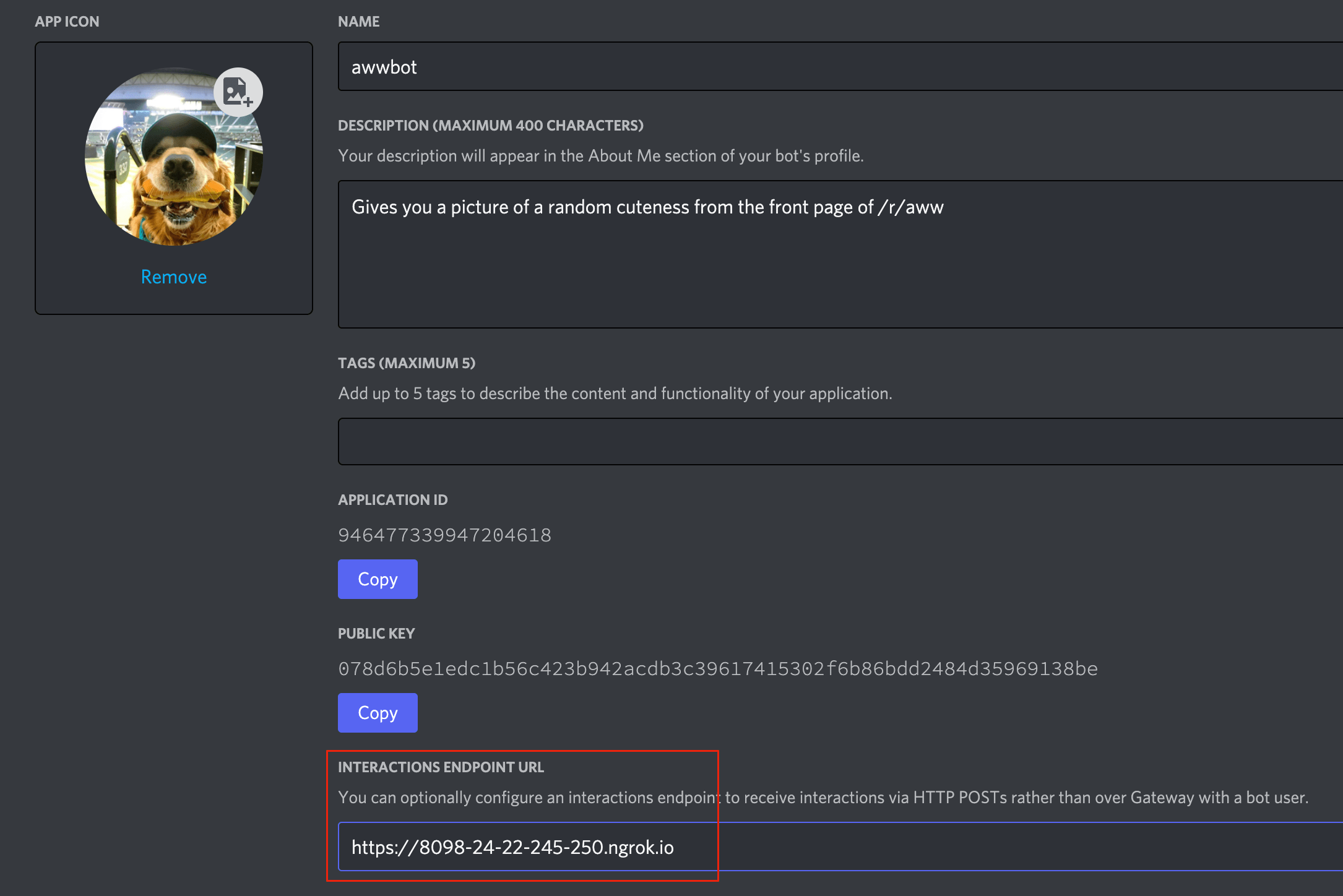
Register your commands against the API, then paste the Worker URL into the Interactions Endpoint URL field in the portal. Discord validates it immediately, so deploy before you save.
Install and test#
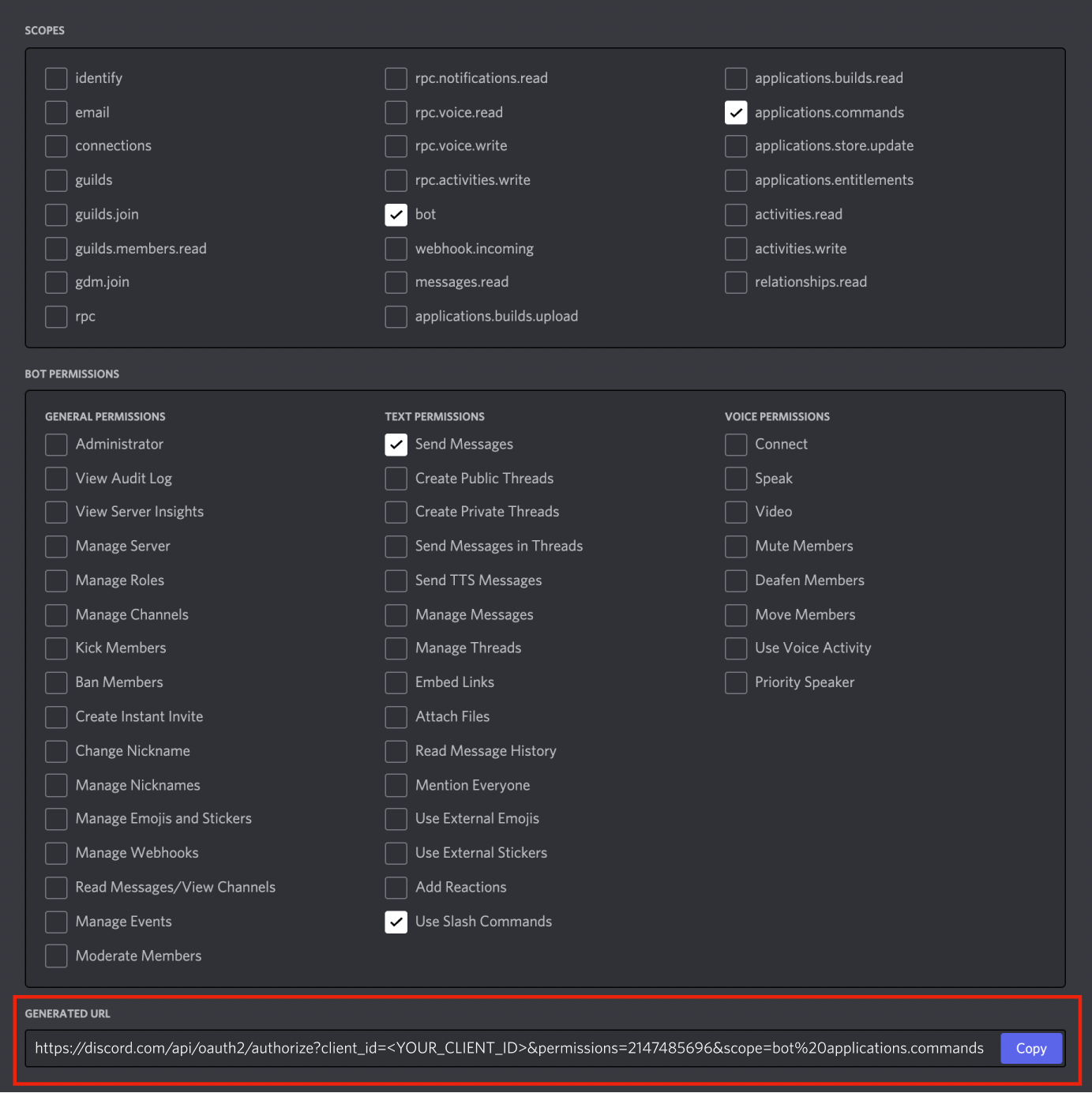
Build an install link with the OAuth2 URL generator, choosing the applications.commands and bot scopes, then add the app to a test server.
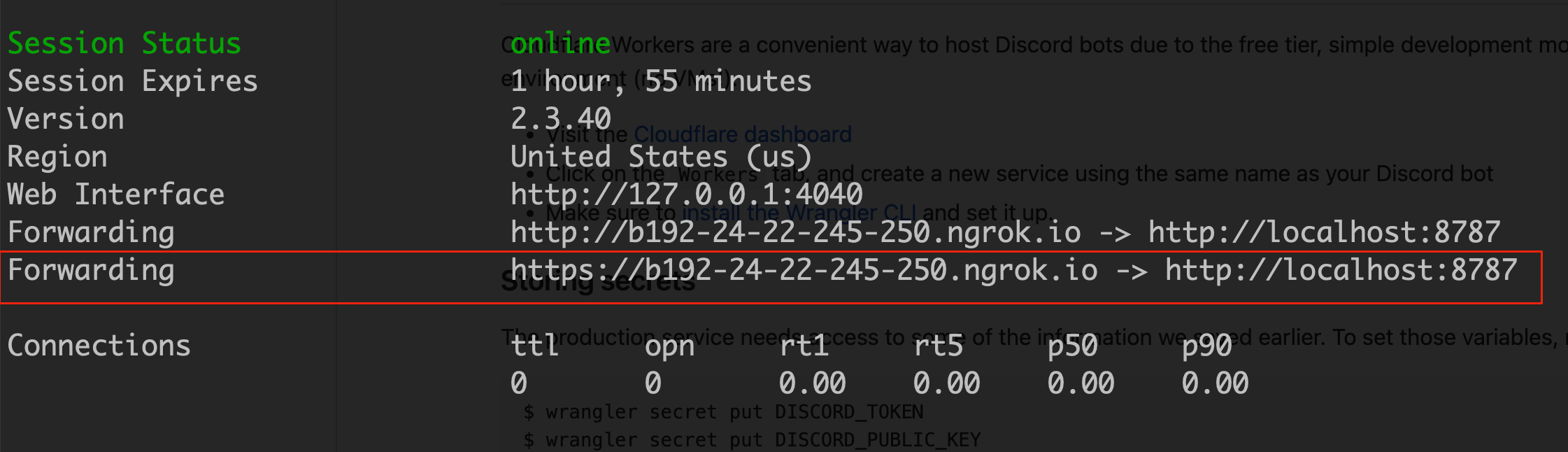
For local iteration, tunnel your development server to a public URL and point the endpoint at the tunnel, then switch it back to the Worker URL before you ship.
Watch the three-second limit#
Cold starts and outbound calls both eat into the response window. If your handler calls another API, acknowledge with type 5 first and edit the response when the call returns.
Next steps#
- Securing your endpoint — the verification code in full
- Receiving and responding — callback types and deferring
- Choosing a transport — when Workers are the wrong fit