

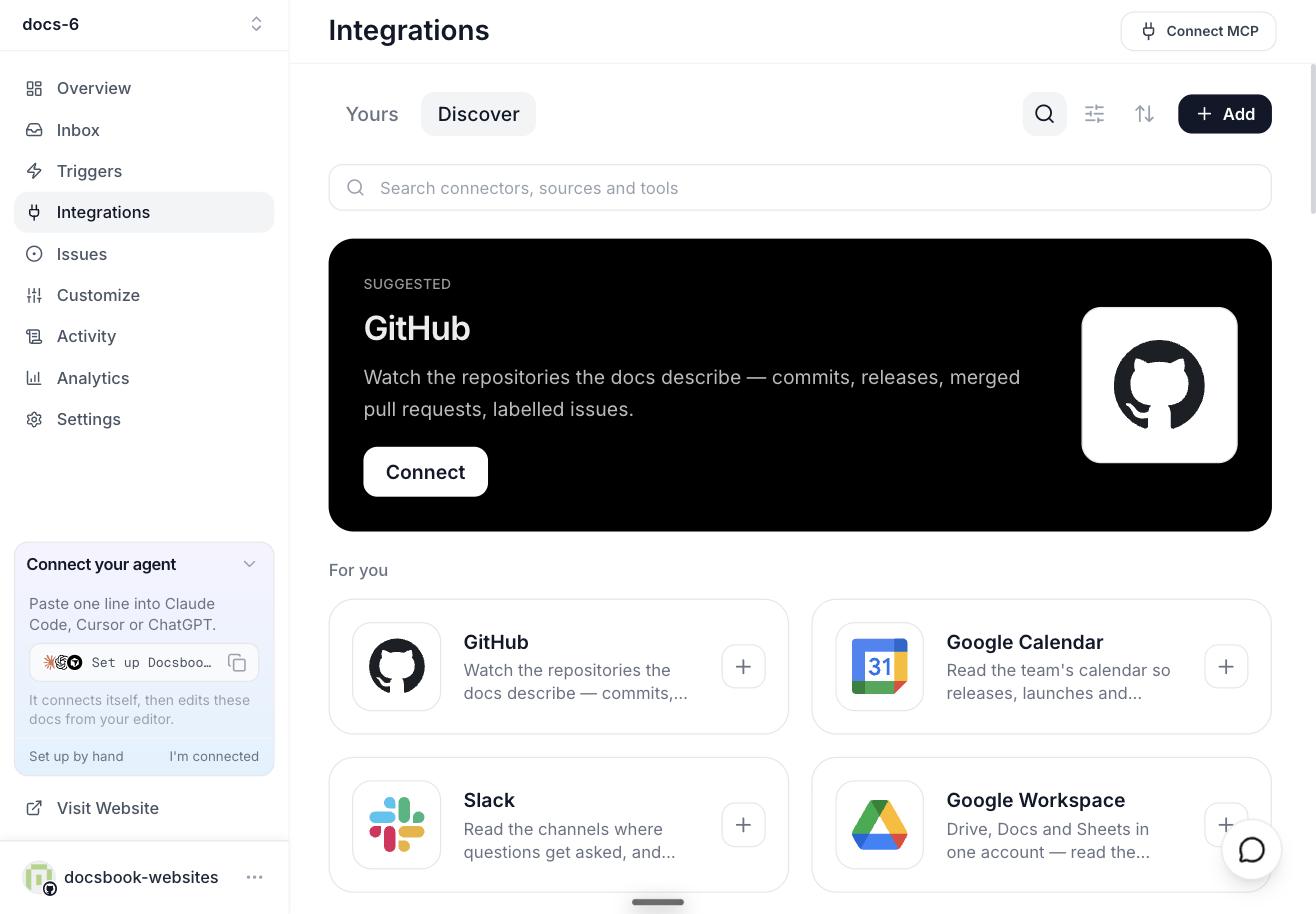
Publish the repository's Markdown with GitHub Pages, build and host a Docusaurus site yourself, or connect the repository to Docsbook, which hosts it with no config file and no build.
All three keep the Markdown in your repository; they differ in how much you set up, what the site does for readers, and who maintains it.
Facts about GitHub Pages and Docusaurus are from their own docs as of September 2026.
Which option fits?#
| GitHub Pages | Docusaurus | Docsbook | |
|---|---|---|---|
| Setup | Pick a branch and folder in the repository settings; Jekyll builds the Markdown | A React project with its own config, built and deployed by you | Import the repository; nothing is added to it |
| Search | Add your own | Not built in: Algolia DocSearch or a community plugin | Search box on every site; AI chat on Pro |
| Free limits | 1 GB site, 100 GB a month soft bandwidth, 10 builds an hour | Whatever your host allows | 14-day Pro trial; after it the site stays published without the AI features |
| Custom domain | Yes | Through your host | Yes, once you subscribe or the trial has ended |
| Who maintains it | You | You | Docsbook, plus an agent that improves the pages (Pro) |
Option 1: GitHub Pages#
GitHub Pages serves a static site straight from a repository, with built-in Jekyll support for Markdown. On GitHub Free the repository must be public.
- Open the repository's Settings ▸ Pages.
- Under Build and deployment ▸ Source, choose Deploy from a branch.
- Pick the branch and the
/docsfolder (or the root), then Save.
The site appears at https://<owner>.github.io/<repo>. Navigation, search and analytics are yours to add, and GitHub says Pages is not for running an online business or a site mainly about commercial transactions or SaaS.
Option 2: Docusaurus#
Docusaurus is Meta's open-source static-site generator built on React, with MDX, versioning and translations. You own the build and the hosting.
npx create-docusaurus@latest my-website classic
cd my-website
npm run build
Move your Markdown into docs/, set the site up in docusaurus.config.js, and deploy the build/ folder to GitHub Pages or another host. Search and major upgrades, such as v3's move to MDX v3, are yours too; Docusaurus alternatives in 2026 weighs that work in full.
Option 3: Docsbook#
Docsbook publishes the Markdown in your repository as it is: README.md becomes the home page, folders become the sidebar, and there is no build to run.
Start on Docsbook and import the repository, or paste its GitHub URL.
It is live at https://<owner>.docsbook.io/<repo>, with search, a sitemap, llms.txt and a Copy page menu that opens any page in ChatGPT or Claude.
Attach docs.example.com in Settings ▸ Domain & API and add one DNS record; the values are on the custom domain page.
Edits made in Docsbook, in the web editor or by the agent, publish at once. Commits pushed straight to GitHub are picked up on their own, within a day.
What happens after the site is live?#
Hosting gets the pages online; it does not get them read. On Docsbook Pro, the agent keeps working after publishing:
- It writes the pages readers searched for and did not find.
- It checks every page against 299 published rules for search, AI answers and readability.
- It asks the answer engines whether they cite you, and fixes what makes them cite someone else.
Each change arrives as a pull request with its reason. See Find wins fast, and Get discovered to hand it work in one sentence.
FAQ#
Do I need a GitHub account to use Docsbook?
No. Create a project without a repository and Docsbook hosts one for you; you can move it to your own GitHub account or organization later.
Does Docsbook work with private repositories?
Yes. Install the Docsbook GitHub App on the repository, and choose in Settings ▸ Access whether the published site is public or private.
Is it free?
GitHub Pages and Docusaurus are free software you run yourself. Docsbook starts with a 14-day Pro trial with $5 of AI credit and no card; Pro is $20 a month per project (Plans and pricing).