

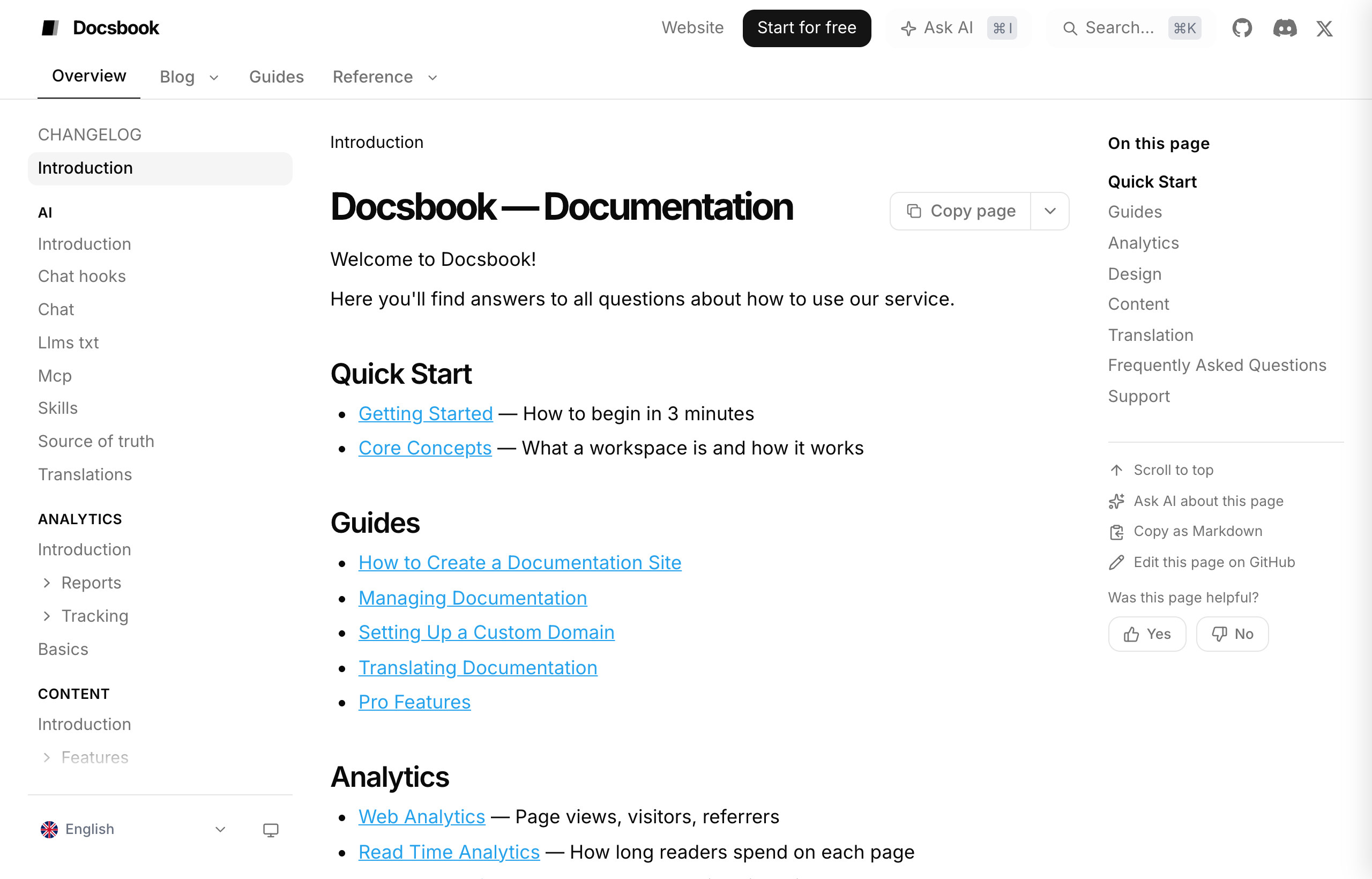
Connect the repository to Docsbook and your README.md becomes the home page of a documentation site, with every other Markdown file as a page and your folders as the sidebar.
Nothing in the repository changes, and there is no config file or build step to add.
What does a site add to a README?#
A README is one long page at one URL. A site gives each topic its own page, which is what search engines rank and AI engines quote:
- One URL per topic — each Markdown file gets its own page, search title and description.
- A sidebar and a search box — readers jump to the section instead of scrolling one file.
- Copies for machines —
llms.txt, a Markdown copy of each page and a sitemap. - A Copy page menu — readers open any page in ChatGPT, Claude or Cursor with one click.
How do I publish my README?#
Start on Docsbook and import the repository, or paste github.com/<owner>/<repo>.
It is live at https://<owner>.docsbook.io/<repo>, with README.md as the home page.
Move sections into their own files; each one becomes a page, and each folder a sidebar group.
The sidebar follows your files and folders in reading order:
README.md              → Introduction (home page)
docs/install.md        → Docs ▸ Install
docs/configuration.md  → Docs ▸ Configuration
How do I set a page's title and description?#
Add frontmatter at the top of the file. Without it, Docsbook uses the first # heading as the title and the opening text as the description.
---
title: "Install the Acme CLI"
description: "Install the Acme CLI on macOS, Linux or Windows and check that it works."
---
title becomes the page's search title and description its meta description. The sidebar label comes from the file name; ask your agent to rename it and the URL stays the same.
What does it cost?#
- The trial — every account gets 14 days of Pro with $5 of AI credit, and no card.
- Without a plan — the site stays published as static pages, search included.
- With Pro — $20 a month per project adds the AI chat, the agents, translations and the analytics views.
Every Docsbook site shows a small Powered by Docsbook badge.
What should I ask the agent next?#
Once the site exists, hand the next step to the Docsbook agent in one sentence, from Claude Code, Cursor or the panel chat (Get discovered):
Split our README into a quickstart, an installation page and a configuration reference.
Find the questions people search for that our docs don't answer, and write those pages.
Each change arrives as a pull request; with Auto-merge off, it waits for your approval. Find wins fast shows how the agent decides what to do first.
FAQ#
Does it work with private repositories?
Yes. Install the Docsbook GitHub App on the repository, and choose in Settings ▸ Access whether the published site is public or private.
Will my site look like every other Docsbook site?
No. Logo, colours, fonts, header, sidebars and footer are set under Customize; only the small Powered by Docsbook badge is always there.
Can I leave later?
Yes. Your Markdown never leaves your repository, and the widget markers Docsbook reads are HTML comments that stay invisible on GitHub.
Does Docsbook support MDX?
.mdx files publish as Markdown pages. Imports and React components do not run, so replace them with widgets or plain Markdown.