
Configure the AI chat
Tell it how to answer#
Settings ▸ Prompts holds what the chat is told.
- Custom Questions — three suggested questions shown in the empty chat, one field each.
- System Prompt — the chat's persona, tone and rules, up to 16,000 characters, applied on every answer. It is added to Docsbook's own instructions rather than replacing them, so the rule to answer only from your docs stays in place.
- Skills — a skill reaches readers only when you tick Public docs chat for it; by default a skill runs on Admin chat and Admin MCP only.
The Agent instructions card on the same tab steers the agent that edits your docs and is never shown to readers. The reader chat's voice is the System Prompt.
Tell it where to send readers#
Settings ▸ General holds the two addresses the chat hands out.
- Support Email — where the chat sends a reader whose question the docs don't answer. Left empty, the chat still says it doesn't know and tells the reader to contact support, without naming an address.
- Call To Action URL — the page your docs should drive readers to,
https://only. The chat offers it once, after the answer, when a reader is evaluating, comparing, asking about pricing, limits or plans, or asking what to do next — never on a troubleshooting question. Conversations that reach it count as reaching the goal in Analytics.
Choose what it runs on#
Settings ▸ Agent decides the model, whose key pays and how the chat finds pages.
| Card | What it sets | Plan |
|---|---|---|
| AI Visitors Chat Model | The model that answers readers. Each option shows its price per 1M tokens — what leaves your balance. | Pro |
| Admin & AI Agent Model | The model behind the assistant in the panel, which reads your data, calls tools and edits your docs — not the reader chat. | Pro |
| Semantic Search | Answers by meaning: your pages are indexed and re-synced on every commit, and the chat searches by meaning first, then adds keyword matches. Shows what the last index run cost. | Pro |
| Your own AI API Key | A key from OpenRouter, OpenAI, Google Gemini, Anthropic or Vercel AI Gateway. Your provider bills the answers and the balance is untouched. | Enterprise |
The Pro cards stay locked while a project is on a trial with no card on file. Without Semantic Search the chat still finds pages by keyword.
Choose where readers open it#
Six entry points open the same chat. Three are on by default.
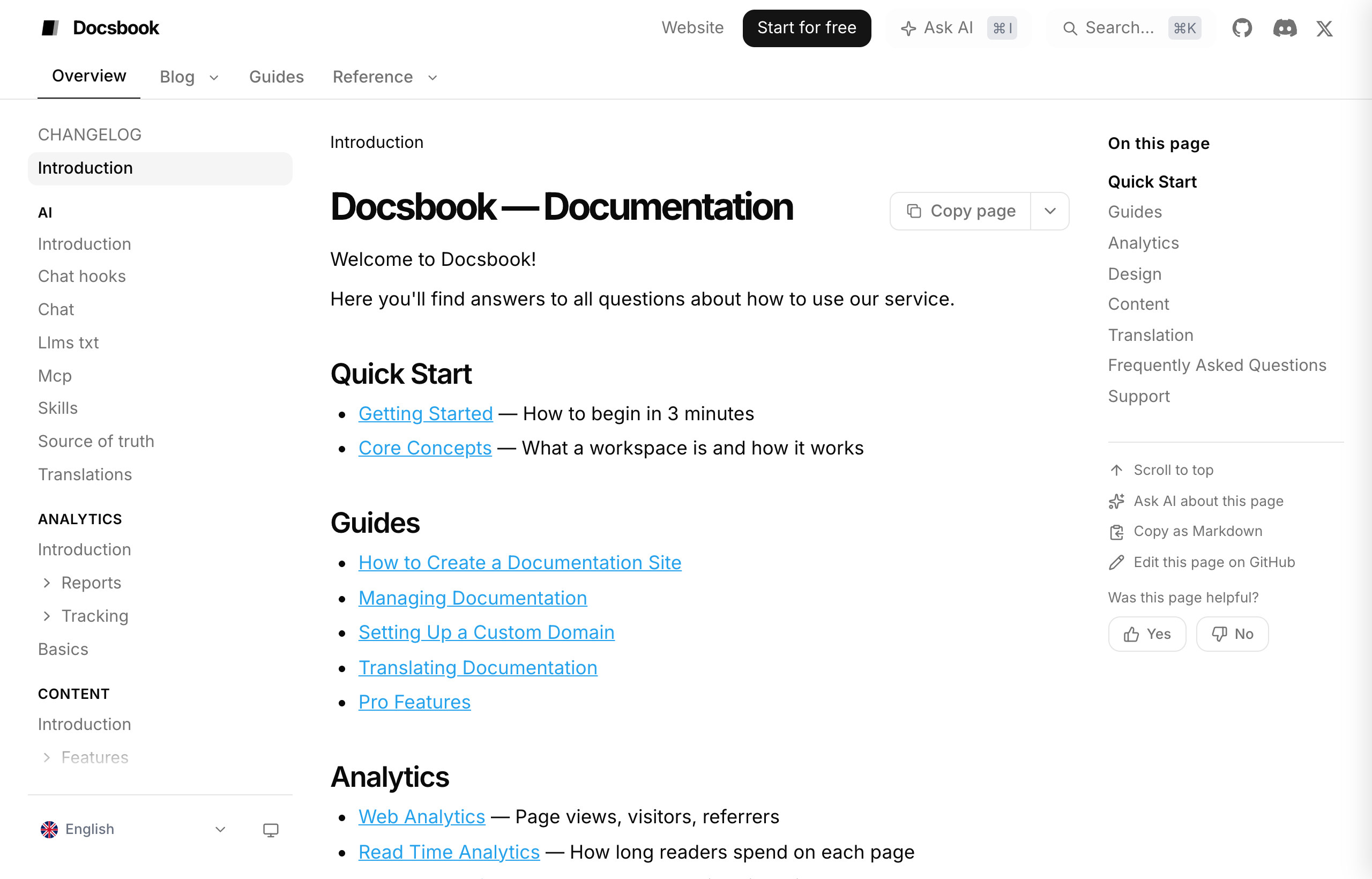
| Entry point | Where to switch it | On by default |
|---|---|---|
| Ask AI beside the page title | Customize ▸ Content, card Reading aids | Yes |
| Ask AI bubble on selected text | Customize ▸ Content, card Reading aids | Yes |
| Ask Docs button in the bottom-right corner | Customize ▸ Content, card Ask AI Entry Points | Yes |
| Input bar at the bottom of every page | Customize ▸ Content, card Ask AI Entry Points | No |
Ask AI in the header, ⌘I / Ctrl+I |
Customize ▸ Header, card Ask AI in Header | No |
| Ask AI about this page in the right sidebar | Customize ▸ Right sidebar, card Ask AI | No |
Header Layout, on Customize ▸ Header, can put Ask AI next to a wide search box or show it as an icon only. While the title, header or right-sidebar button is on, the search box also offers to hand a query to the chat.
Change it from your agent#
Most of these settings have an MCP tool your own agent can call. Each is in the MCP tools reference.
set_chat_system_prompt—system_prompt; an empty string clears it.get_chat_system_promptreads it back.update_ai_settings—custom_questionsas a list of strings, andai_providerwithai_api_keyfor your own key.update_branding—support_emailandcta_url.update_ui_settings— one switch per entry point:show_ask_ai_button,show_ask_ai_on_selection,show_ask_docs_button,show_ask_ai_headerandshow_ask_ai_outline.
A call passes only the switches it changes. This one turns the header button on and the corner button off:
{
  "workspace_id": "acme/docs",
  "show_ask_ai_header": true,
  "show_ask_docs_button": false
}
The two model cards and Semantic Search have no tool and are set on their cards. The input bar has no MCP switch either, but the panel chat can flip it — say "show the Ask AI input bar".